SunSketcher
An app for citizen scientists to capture eclipse photos
Problem
Scientists don’t know the exact shape of the Sun.
The Sun isn’t perfectly spherical, and there are small deviations on the surface. These deviations provide scientists with insight into the shape of and interior dynamics of the Sun.
Background
SunSketcher is a mobile app that allows users to capture photos of Baily’s Beads to contribute to a massive, citizen-scientist-generated database that helps scientists calculate the shape of the Sun. An initial iteration of the app was developed for the April 8, 2024 North American total solar eclipse.
Objective
Develop a second iteration of the app that corrects known issues and will be usable internationally ahead of the 2026 total solar eclipse.
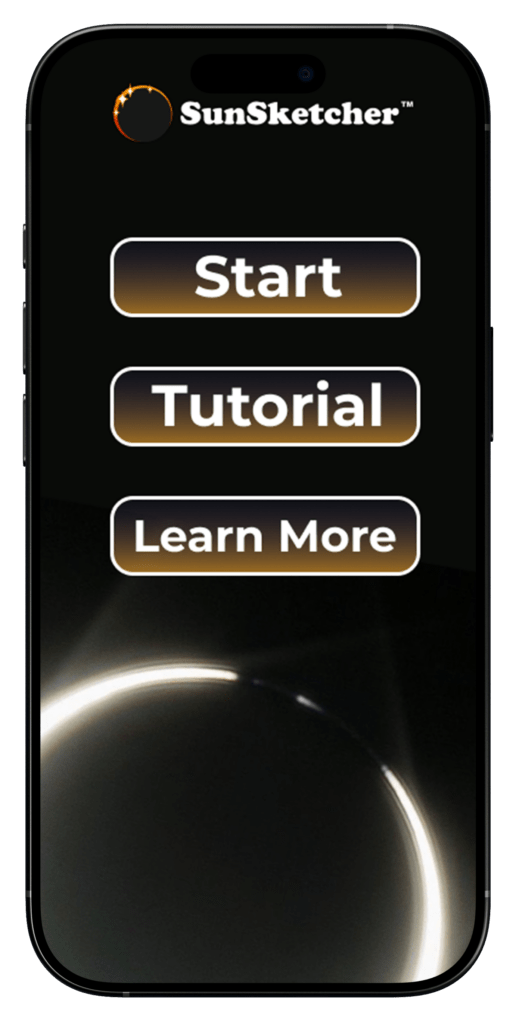
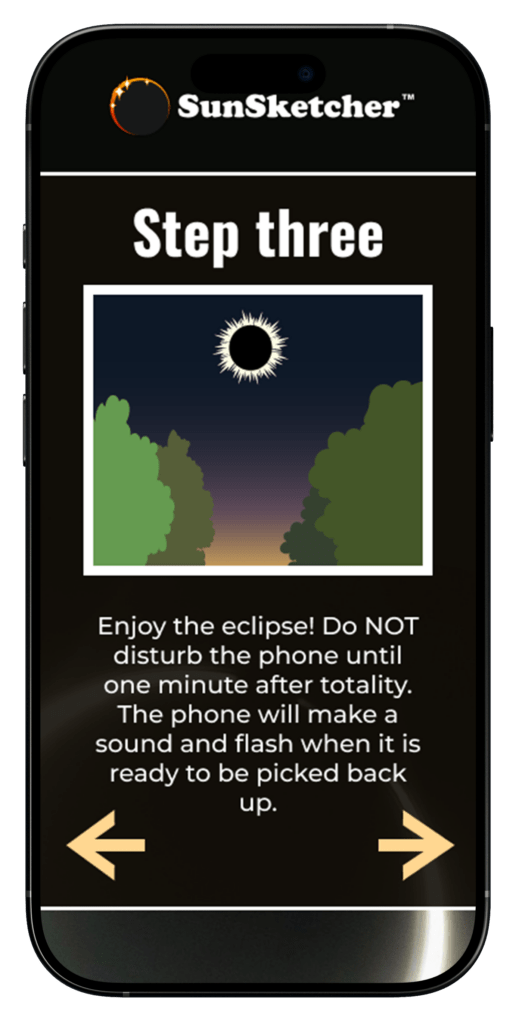
Previous Iteration
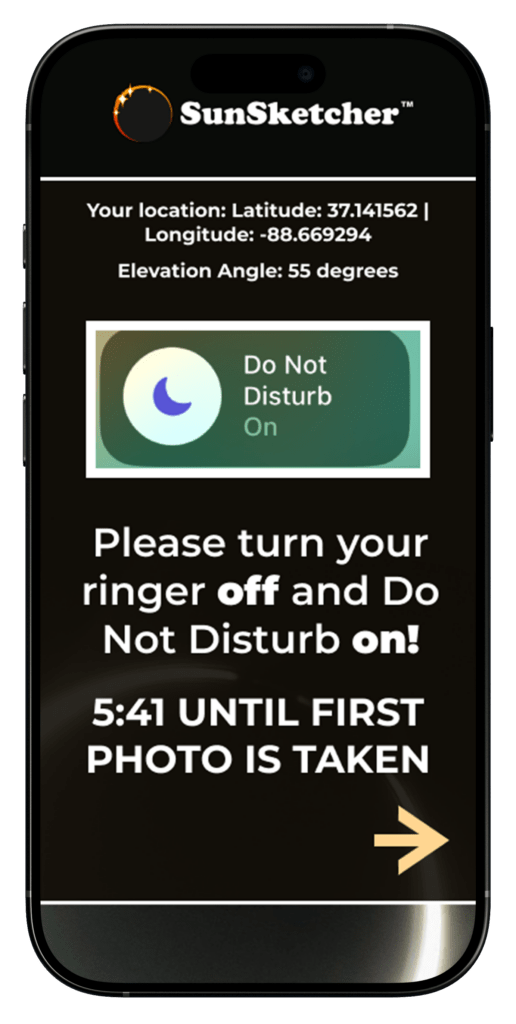
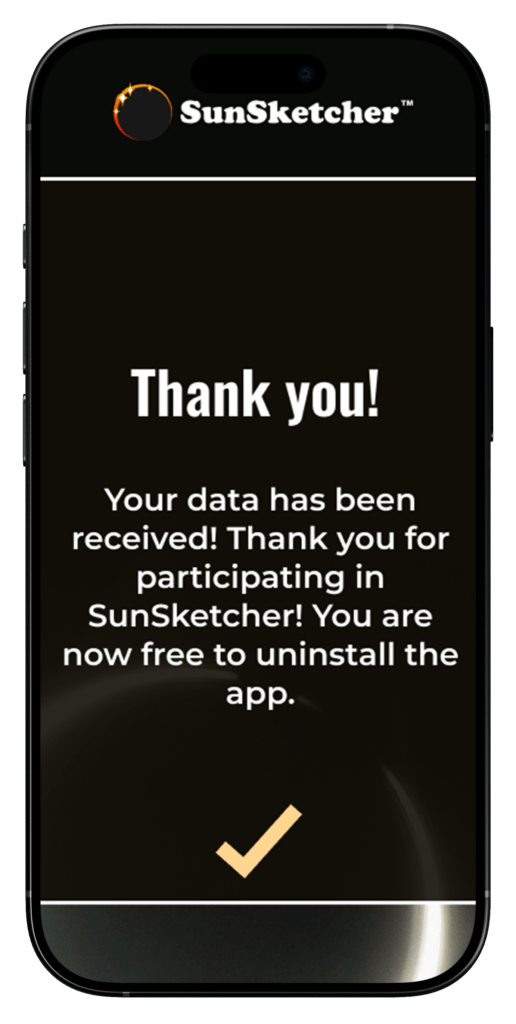
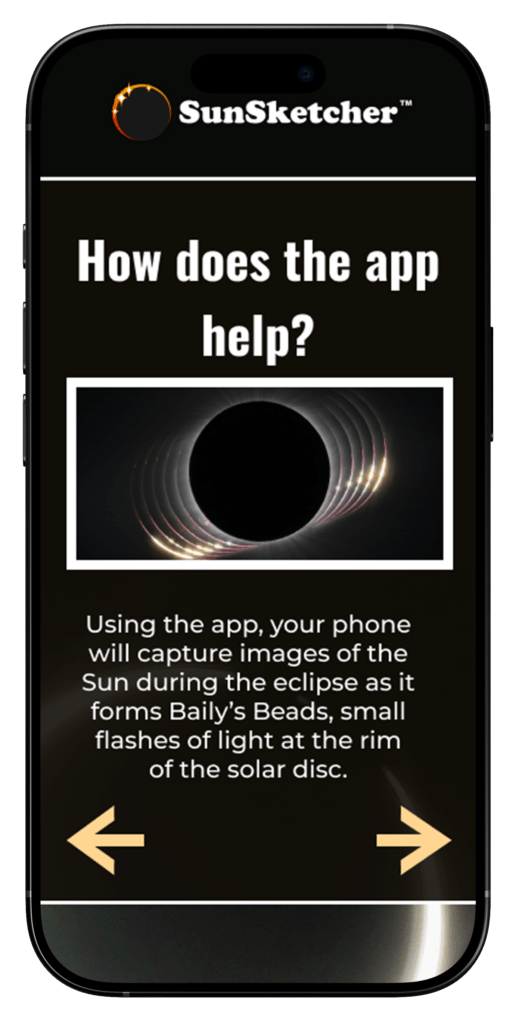
The Solution
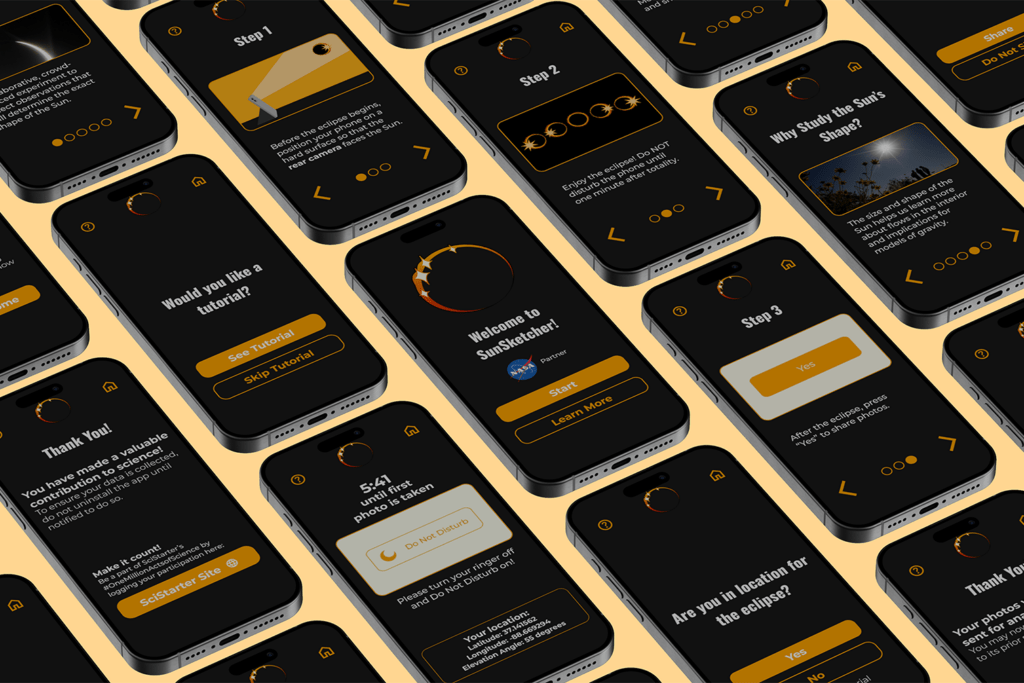
Our focus: Navigation · Visual Identity · Simplicity & Clarity · Spanish-Language Capability
User Flow
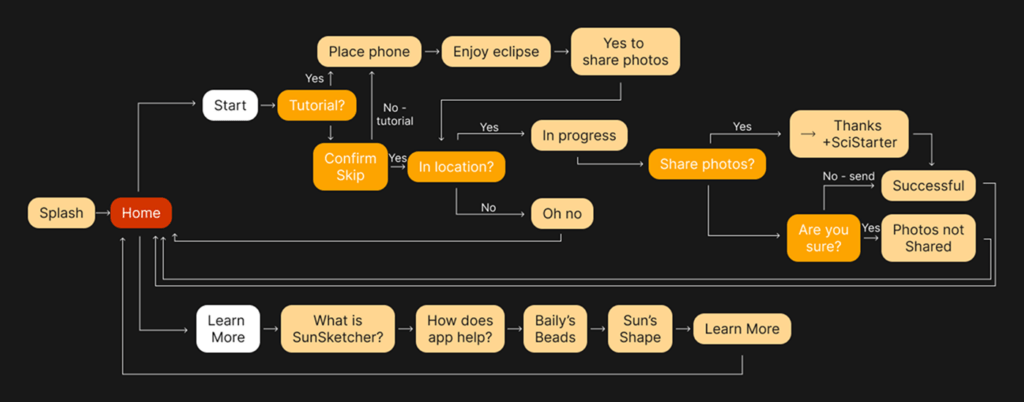
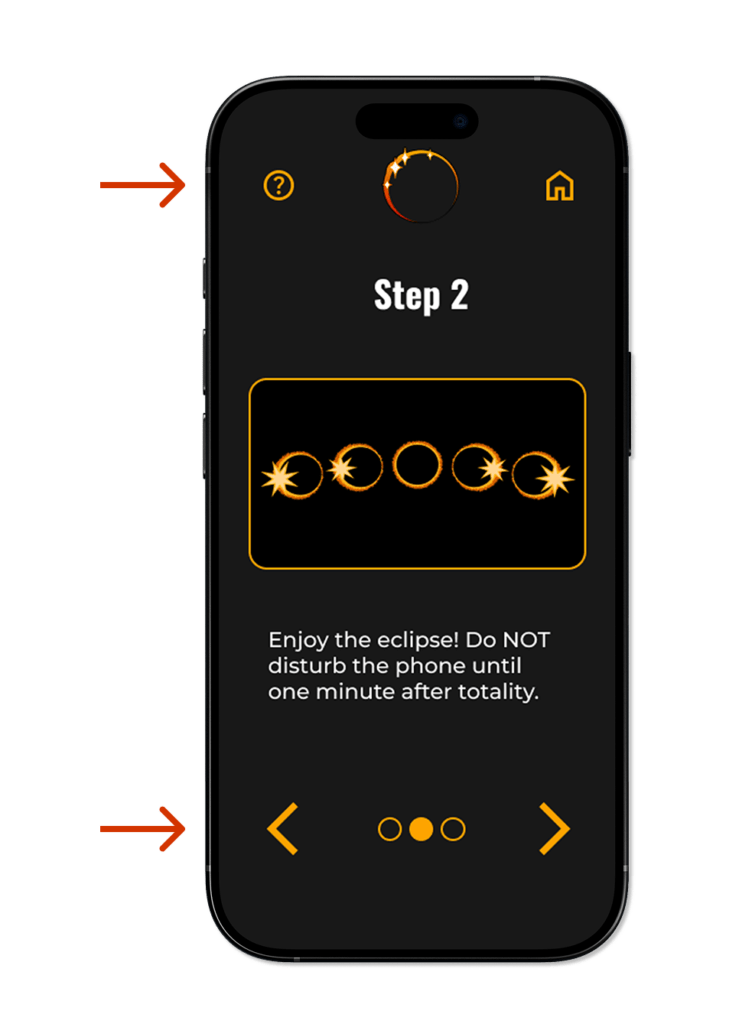
We examined the existing user flow and noticed that users were asked whether they wanted to skip the tutorial, even if they had already completed the tutorial. We improved this by integrating the tutorial into the ‘start’ flow and simplifying the tutorial itself from 5 to 3 screens.
Navigation
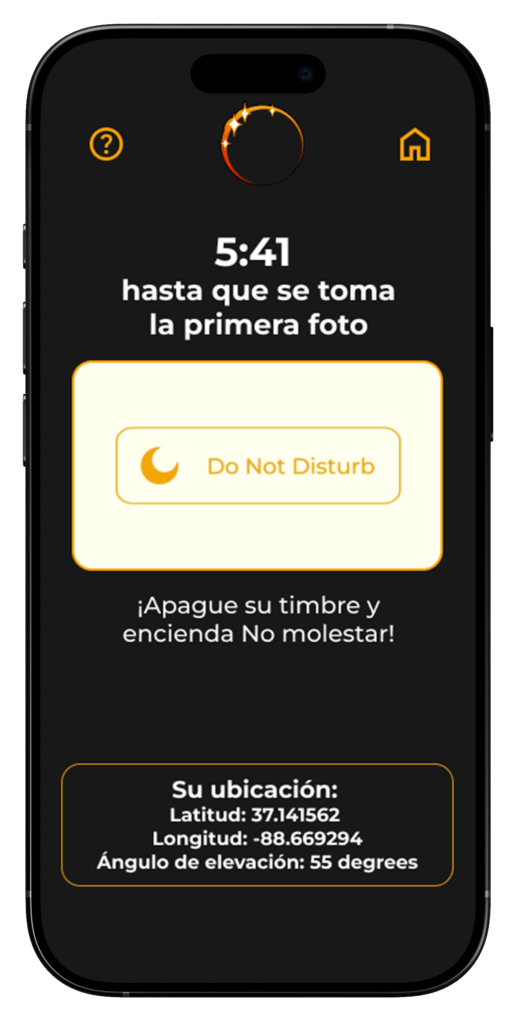
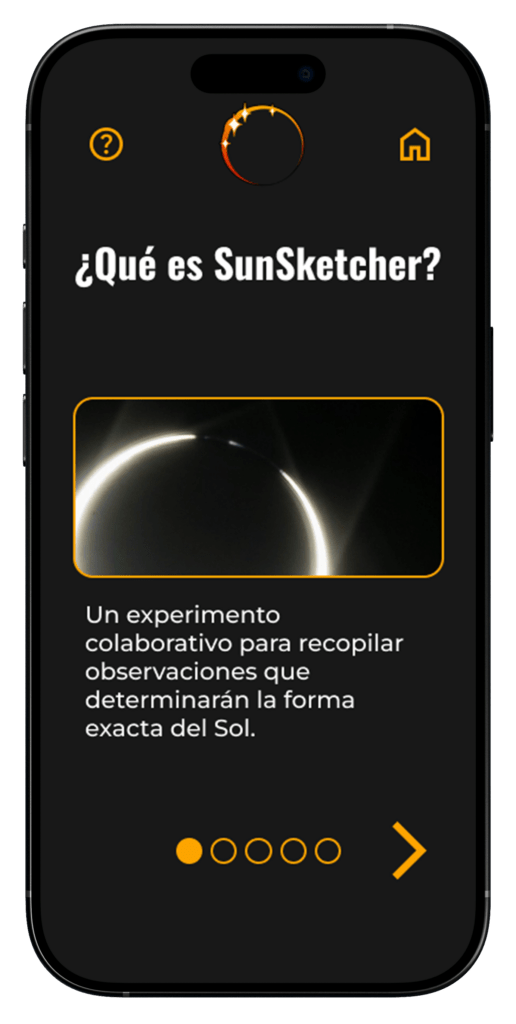
We added a header, including a home button to allow a user to exit at any point, and a button to take them directly to the ‘learn more’ page.
Additionally, on the tutorial and learn more screens, we added a progress bar at the bottom to give the user information on how many screens they will progress through.
Visual Identity
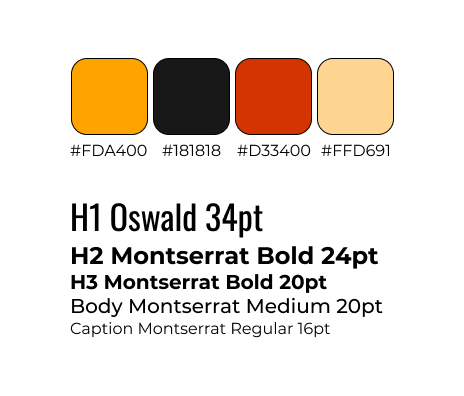
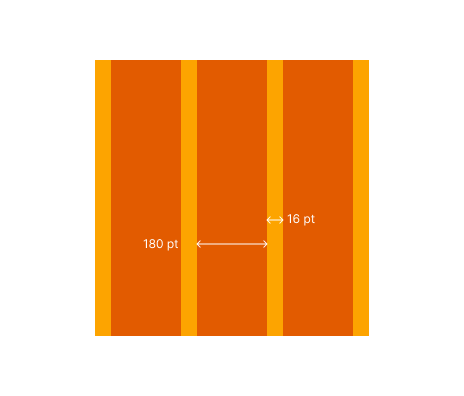
We changed multiple elements to create a more consistent visual identity. The updated buttons are cleaner and more modern, similar to buttons on other apps. We also created a standard type hierarchy and color palette to add consistency to the app.
Simplicity & Clarity
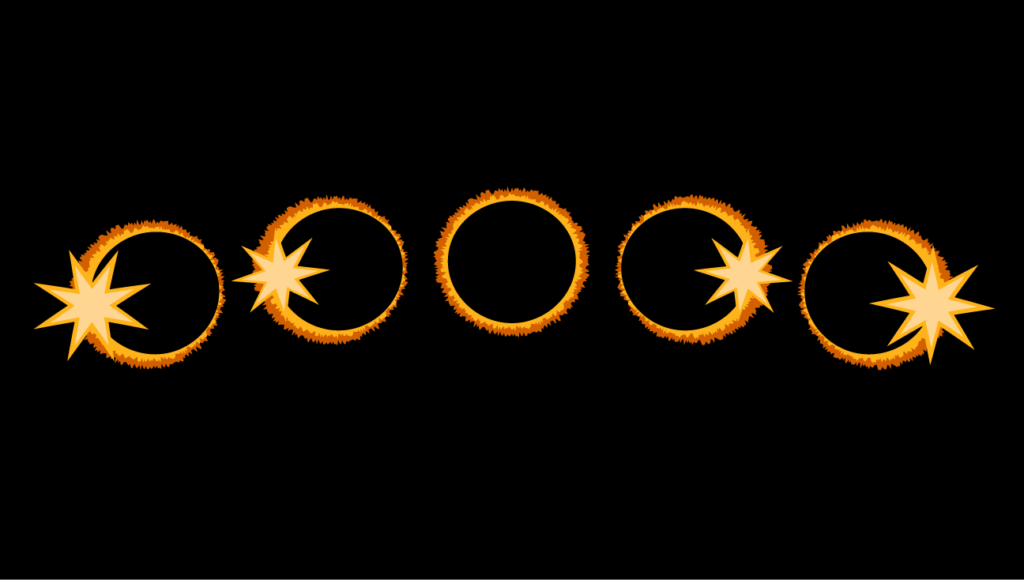
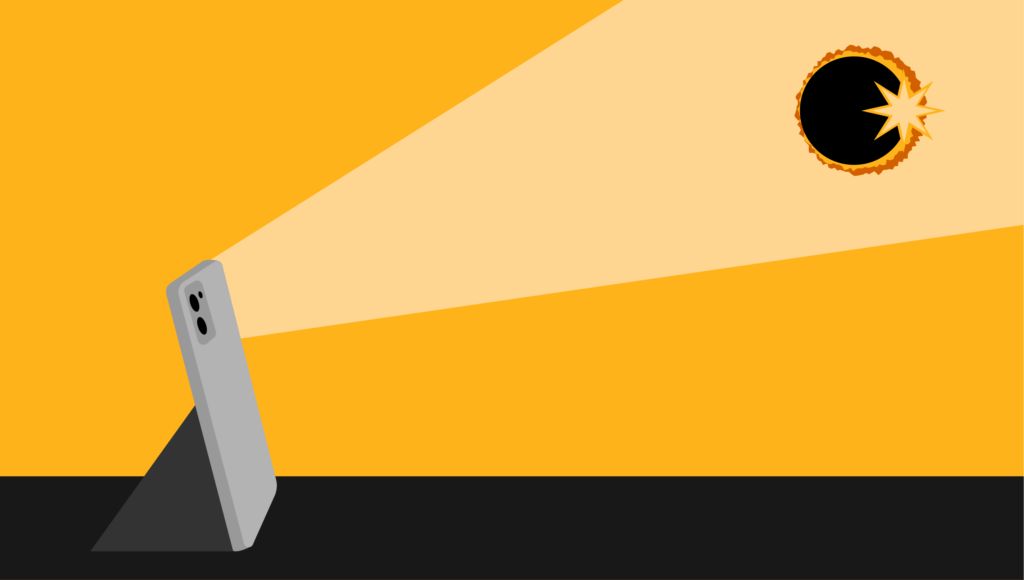
As the app will be used in multiple countries, we wanted an app that users could navigate with as little written language as possible. We simplified the copy throughout the app and updated graphics to be clearer.
Spanish-Language Capability
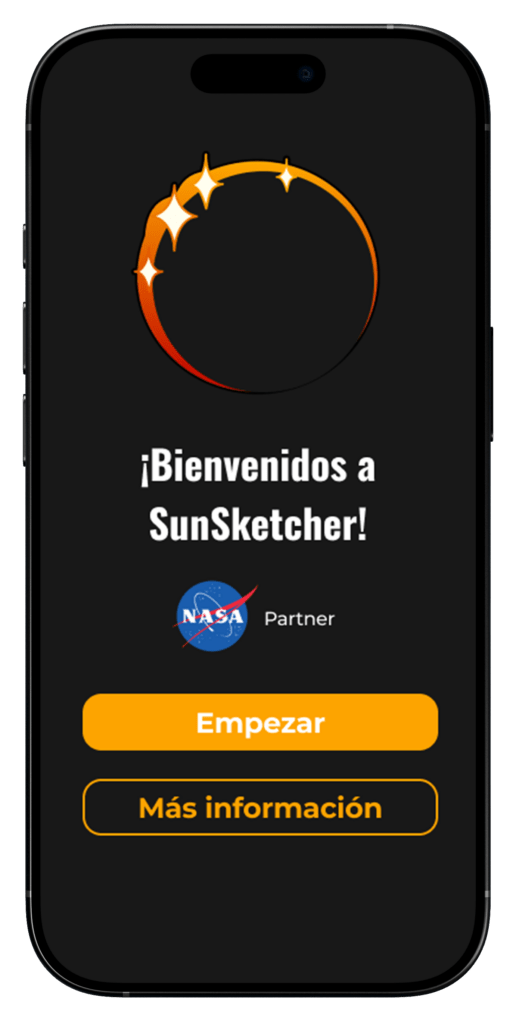
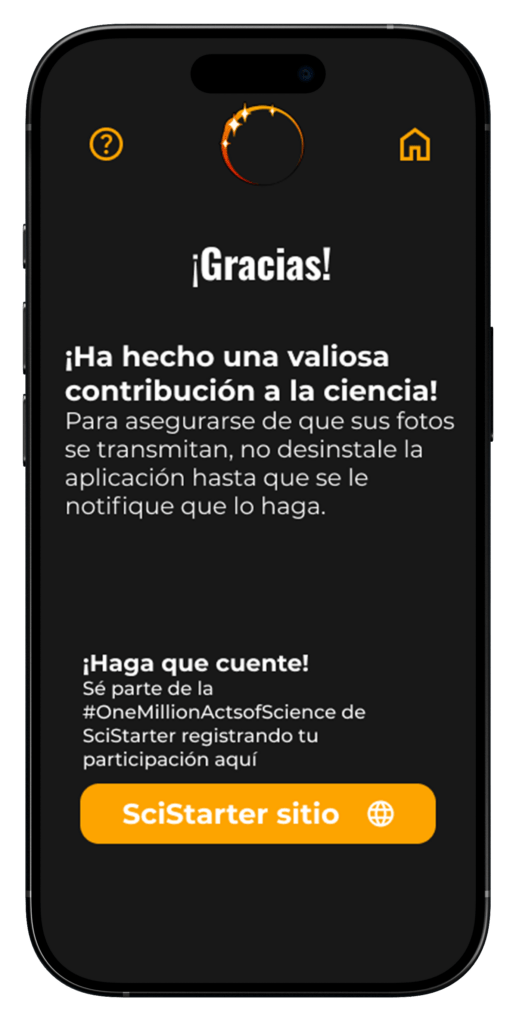
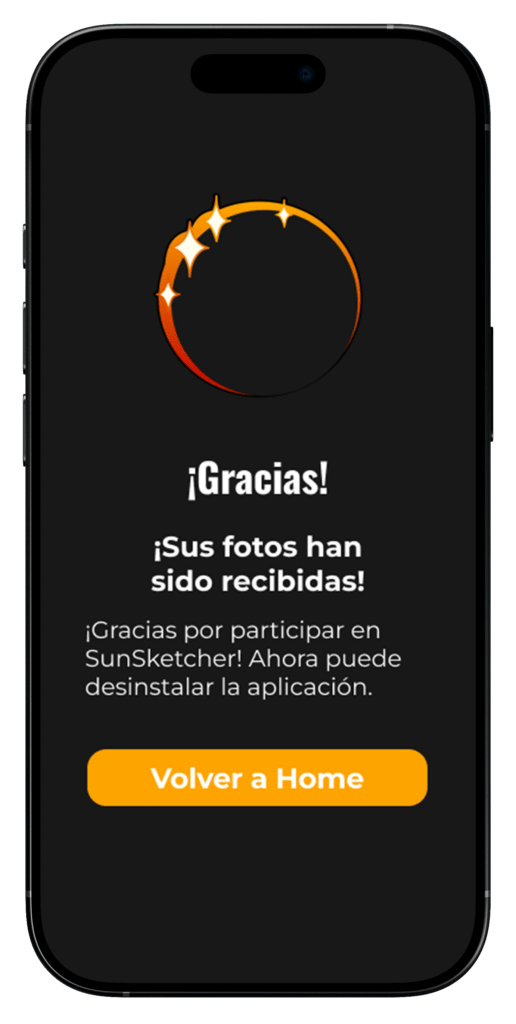
Our research found that a Spanish-language version of the app would be important, so one of our priorities was making a Spanish-language version of the app. I consulted with a Spanish-speaking professor to review translations.
The Results
Testing was conducted with 15 participants and confirmed the success of improvements that we implemented, especially in navigation, intuitiveness, and familiarity.
One participant stated, “I think it looks really good and conveys what you are going for.”
92.7%
Task Success Rate
86
System Usability Scale Score
Simplistic · Accessible · Effective · Organized · Engaging
Product Reaction Cards Top Responses